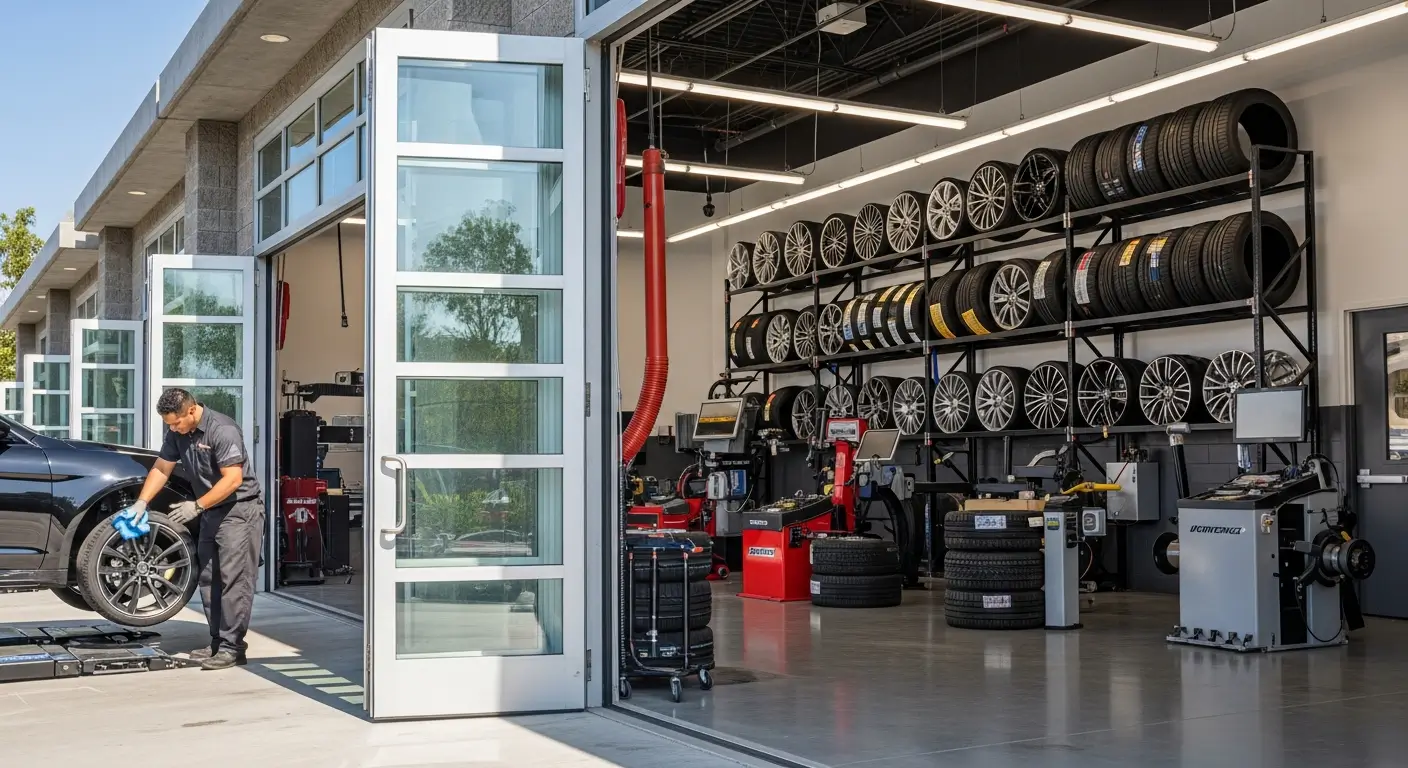
This online tire buying guide explains how to plan selection, delivery and installation together. Confirm the exact tire specification first, choose the destination, and arrange an appointment that allows time for the tires to arrive.
How to plan your online tire purchase
Step 1: confirm the vehicle specification
Read the owner's manual and tire information label for the approved size and required load and speed ratings. Record front and rear requirements separately when they differ. If the existing tires do not agree with the vehicle guidance, resolve that difference before ordering.
Michelin's ratings guide explains why replacements must meet the vehicle's load and speed requirements. A matching wheel diameter or a result returned by a vehicle search is not the complete fitment check.
Tell the installer about the driving conditions the tires must cover. Include trips outside your usual commute and any winter or unpaved travel. Compare those needs with the tire maker's intended use for the exact model and variant.
Step 2: choose delivery or pickup
For an eligible Southern California tire order, select delivery to the partner installation shop during ordering. Confirm the destination before paying so the tires arrive where the installation is planned.
If you prefer self-pickup, use the FixGo website locator to choose a dedicated warehouse or designated pickup point. Pickup support and installation support are separate services; verify what the selected location offers rather than assuming every partner shop is a pickup counter.
Tire delivery is usually 1–3 days in greater Los Angeles and 3–5 business days in San Diego. Eligible EngineX orders support next-day delivery in Los Angeles. Check the actual delivery eligibility when placing the order.
Step 3: confirm the installation appointment
FixGo's partner network includes 200+ shops in greater Los Angeles and 20+ in San Diego. Choose an eligible location and confirm the appointment time. Delivery timing and appointment availability are separate details, so allow for both.
Review the installation service shown in your order and ask about any item you do not understand before paying. Keep the order confirmation available for the shop. Do not infer included services from another location's package or an earlier purchase.
Step 4: handle different front and rear sizes correctly
FixGo tire checkout handles one specification at a time. For a vehicle with approved different front and rear sizes, complete two separate orders: one for the front specification and one for the rear.
Check the quantities, destination and specifications on both confirmations. Coordinate the installation after both sizes have arrived. Do not choose a different size solely to combine the purchase into one order.
Step 5: check the delivered items before mounting
Ask the installer to compare the delivered tires with the order and approved vehicle specification. Confirm the model, size, service description and any required variant markings before mounting begins. Resolve a mismatch before installation rather than accepting a similar-looking item.
After installation, follow the vehicle's inflation and maintenance guidance. Keep the purchase and service records required by the applicable warranty. Report abnormal vibration, recurring pressure loss or another new symptom to the shop for assessment.
Product comparisons belong after the fitment check
For example, EngineX MaxTour H/T P225/65R17 102T and EngineX SpeedTrac UHP 235/45ZR18 98W are different listed specifications. They are not interchangeable choices for the same vehicle merely because both are EngineX tires.
EngineX is a value-oriented brand available through FixGo, with free Road Hazard protection and eligible local next-day delivery in Los Angeles. Read the applicable terms and confirm the required specification before considering those purchase benefits.
FAQ
Can I pick up tires at any installation shop?
Use a designated pickup-supported location shown by the website locator. An installation appointment does not establish that a shop also supports self-pickup.
Can I combine two tire sizes into one checkout?
Place two separate orders, one specification at a time, for an approved staggered configuration. Check both confirmations before scheduling installation.
What if the delivered specification differs from my order?
Contact FixGo and the installer before mounting. Have the mismatch resolved against the order and vehicle requirements.
Bottom line
Confirm fitment, delivery destination and appointment before installation day. FixGo combines competitive tire pricing with its Southern California partner network; use FixGo.com to compare the correct specification and plan eligible delivery or designated pickup.